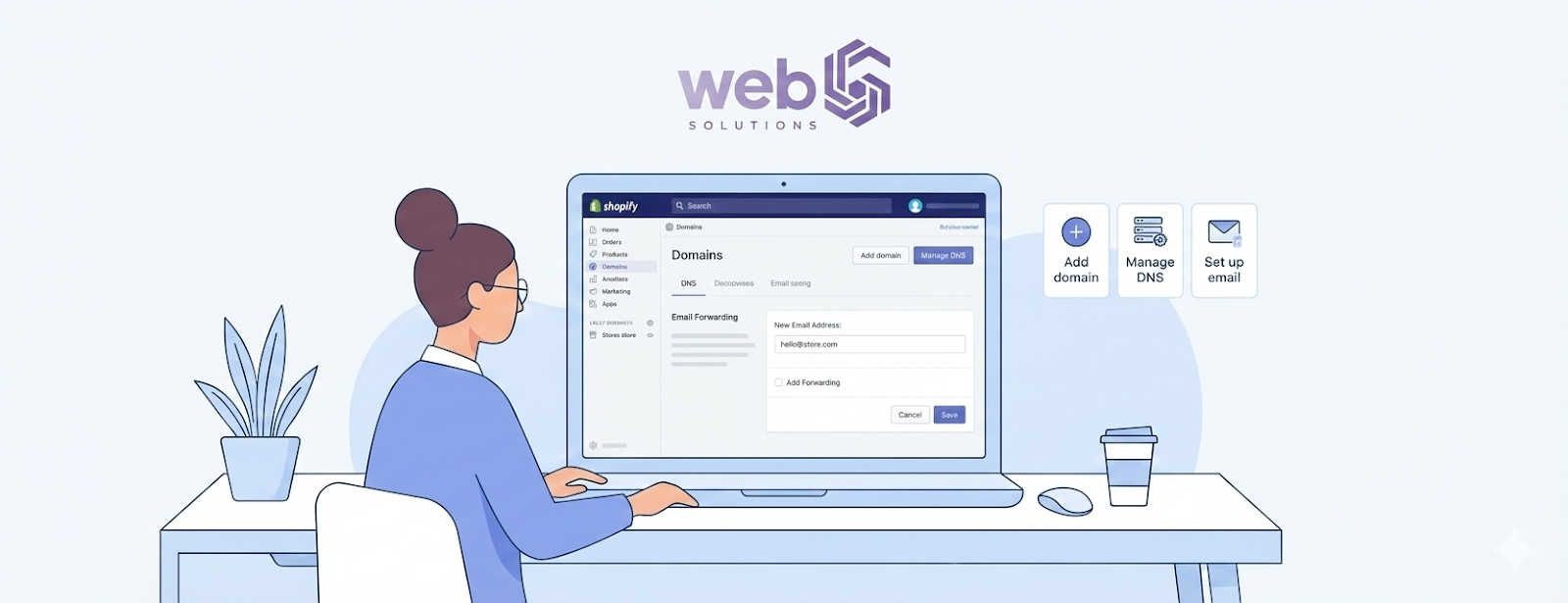
If you’re running an online store, using a generic email like Gmail or Yahoo can hurt your brand’s credibility. Learning how to make a custom domain email on Shopify is one of the smartest steps you can take to look professional and build customer trust. A custom email for your Shopify domain helps your business appear legitimate, improves communication, and strengthens your brand identity. Instead of sending emails from yourstore@gmail.com, you’ll be able to use a professional email for your Shopify store, like support@yourstore.com.
The good news? You don’t need to be technical or spend hours setting it up. In this easy, step-by-step guide, you’ll learn exactly how to create a custom domain email for Shopify in about 10 minutes even if you’re a beginner.
Why You Need a Custom Domain Email for Shopify
Using a custom domain email is more than just a cosmetic upgrade. It directly impacts your store’s success, customer trust, and email performance.
1. Trust & Branding
Customers are far more likely to trust emails coming from a branded address like info@yourstore.com than a free email account. A Shopify business email reinforces your brand and makes your store look established and credible.
2. Better Email deliverability.
Emails sent from free providers often end up in spam folders. With a properly configured Shopify custom domain email, your messages are more likely to land in the inbox, improving open and response rates.
3. Professional Communication
Whether you’re sending order confirmations, customer support replies, or partnership emails, a professional email address creates a strong first impression and boosts customer confidence.
Here is what you need to know before creating a custom email on Shopify.
Before jumping into the setup, make sure you have the following essentials ready. This will save time and avoid common issues.
1. A custom domain connected to Shopify
You must already have a custom domain (like yourstore.com) connected to your Shopify store. This can be purchased through Shopify or from a third-party registrar like GoDaddy or Namecheap.
2. Access to Domain DNS Settings
To create an email for your Shopify custom domain, you’ll need access to DNS records. This is where you’ll add MX, TXT, and other records provided by your email host.
3. Email Hosting Provider
Shopify does not offer email hosting. You’ll need an external provider such as Google Workspace, Zoho Mail, or Microsoft 365.
How to Make a Custom Domain Email on Shopify (Step-by-Step)
This is the main section where we break down how to make a custom domain email on Shopify in simple steps.
Step 1: Connect Your Custom Domain to Shopify
If your domain isn’t connected yet:
- Go to Shopify Admin → Settings → Domains
- Add your custom domain
- Follow Shopify’s instructions to point your domain to Shopify
Once connected, you’re ready to create email addresses using that domain.
Step 2: Choose an Email Hosting Provider
You’ll need an email service that supports custom domains. The most popular options are
- Google Workspace – Best overall for reliability and ease of use.
- Zoho Mail Budget-friendly and offers a free plan
- Microsoft 365 ideal if you already use Outlook and Office tools.
Each provider will give you DNS records that you must add to your domain.
Step 3: Update DNS Records in Shopify
This is the most important step in setting up your email for a custom domain on Shopify.
MX Records
MX (Mail Exchange) records tell the internet where to deliver your emails.
- Log in to Shopify Admin → Settings → Domains
- Click your domain. → DNS Settings.
- Add the MX records provided by your email host.
TXT / SPF Records
SPF records help prevent spam and email spoofing.
- Add a TXT record with the SPF value from your email provider.
- This improves email deliverability and trust.
DKIM (Basic Level)
DKIM adds an extra layer of security and authenticity.
- Most providers guide you step by step.
- Add the DKIM TXT record to your DNS.
Step 4: Verify & Test Email
After adding DNS records:
- Go back to your email provider
- Click Verify Domain.
- Wait for confirmation; (can take a few minutes to a few hours)
Once verified, send a test email to make sure everything works properly.
Here are the best email providers for a Shopify custom domain.
Choosing the right Shopify custom domain email provider can make a big difference. Below is a comparison to help you decide.
Provider Best For Pricing Pros and Cons of Google Workspace Most Shopify stores Paid Reliable Gmail interface, strong security No free plan Zoho Mail: Small businesses Free & Paid Free plan available, easy setup Limited storage on the free plan Microsoft 365 Outlook users Paid Professional tools, great support. Slightly complex setup
Best email for Shopify store:
- Beginners → Zoho Mail
- Growing stores → Google Workspace
- Corporate setup → Microsoft 365
Common Problems & Fixes
Even with a simple setup, you might face issues. Here’s how to fix the most common ones.
Shopify email is not working.
- Double-check MX records
- Remove old or conflicting records
- Ensure there are no duplicate MX entries.
Custom Domain Email Not Receiving Emails
- Verify SPF and DKIM records
- Wait up to 24 hours for DNS propagation
- Test using multiple email providers
Shopify MX Records Issue
- Make sure priority values are correct.
- Delete Shopify’s default MX records if required
- Follow your email provider’s exact instructions
Can Shopify Provide Email Hosting?
Short answer: No.
Shopify does not offer email hosting. It only allows you to connect your domain and manage DNS. To create a professional email, you must use a third-party email hosting service like Google Workspace, Zoho, or Microsoft 365. This setup gives you more control, better security, and improved reliability.
Best Practices for Shopify Business Email Setup
To get the most out of your Shopify business email, follow these best practices:
- Use role-based emails like support@, info@, and sales@.
- Enable two-factor authentication
- Regularly monitor spam and security settings
- Keep SPF, DKIM, and DMARC records updated.
Need Help Setting Up Shopify’s Custom Email?
Setting up email is easy, but configuring DNS incorrectly can cause delivery issues. If you want a fully configured Shopify store with professional email setup, our team offers expert Shopify development services tailored to your business needs.
Whether you’re launching a new store or scaling an existing one, you can hire Shopify expert support to ensure everything works perfectly from day one.
FAQs
Can I create a free custom email on Shopify?
Yes, but Shopify itself doesn’t provide it. You can use Zoho Mail’s free plan to create a free custom domain email.
Does Shopify include email hosting?
No. Shopify only manages domains and DNS. Email hosting must be handled by a third-party provider.
Could you please let me know how long email DNS verification typically takes?
DNS verification usually takes a few minutes to a few hours, but in rare cases, it can take up to 24 hours.
Is Zoho Mail beneficial for Shopify?
Yes. Zoho Mail is a fantastic option for small Shopify stores, especially if you want a free or low-cost solution.
Can I use multiple emails with one Shopify domain?
Absolutely. Most providers allow you to create multiple addresses like support@, orders@, and admin@ under the same domain.
Conclusion
Learning how to make a custom domain email on Shopify is a small step that delivers big results. A professional email boosts trust, improves deliverability, and strengthens your brand image. While Shopify doesn’t provide email hosting, integrating a reliable third-party provider like Google Workspace, Zoho Mail, or Microsoft 365 makes the process quick and smooth.
By following this guide, you can set up your email for your Shopify custom domain in about 10 minutes and start communicating with customers like a real brand not just another online store. Take action today and give your Shopify business the professional edge it deserves.