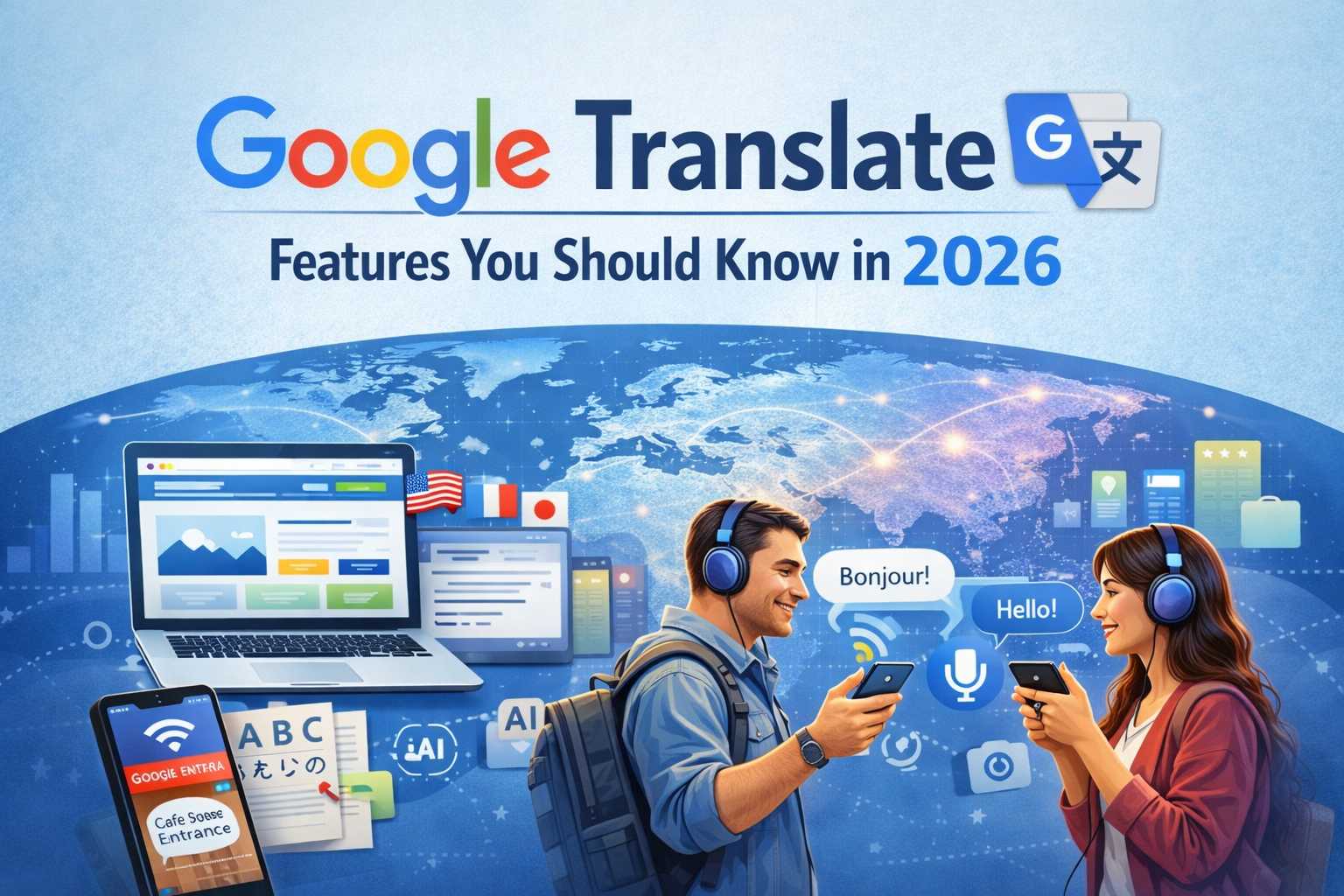
Google Translate helps millions of people understand new languages every day. People use Google Translate for travel, work, study, and daily communication. Language barriers feel smaller when tools like Google Translate exist. A student may need quick help reading a foreign article. A traveler may want directions in another language. A business owner may want basic translation for global customers.
Many people still use Google Translate when they need fast answers. The tool works in seconds and supports many languages. Improvements in artificial intelligence have made translations better than before. Voice, camera, and live speech tools also improved the experience.
People who only use basic translation miss many useful features. Google Translate now offers tools that help with conversations, documents, and real-time speech. This guide explains the most useful Google Translate features you should know in 2026.
Businesses today also need to make their content accessible in multiple languages. At Web6 Solutions, we help brands build websites and digital strategies that connect with global audiences more effectively.
What Is Google Translate, And Why Does It Still Matter in 2026
Google Translate is a free language translation service from Google. It allows users to convert text or speech into another language. Many people call it a Google translator because it quickly translates words and sentences.
More than one hundred languages are supported today. People across the world rely on it for daily communication. Students use it while reading foreign material. Travelers depend on it while visiting new countries. Businesses use Google Translate to understand emails or customer messages.
Technology improvements also made translations smarter. Machine learning studies millions of language patterns. This helps the tool understand sentence meaning instead of only words.
Google Translate still matters in 2026 for several reasons.
- Quick translation for text and speech
• Support for many global languages
• Easy use on phones and computers
• Helpful tools for travelers and students
• Free access without subscriptions
Small businesses also benefit from it. Website owners often use Google Translate to understand content written in another language. Customer messages can be translated quickly. Communication becomes easier across borders.
People still prefer Google Translate because it works fast and stays simple. Most users only need a few seconds to translate a sentence or paragraph.
However, for businesses looking to scale globally, relying only on basic translation is not enough. Web6 Solutions helps businesses create multilingual websites and optimized digital experiences that attract and convert international customers.
How to Use Google Translate (A Quick Refresher)
Many people already know how to use Google Translate. Some users still search how can I use Google Translate or how do you use Google Translate when they try it for the first time.
The process stays simple on both desktop and mobile devices. Anyone can translate text in a few quick steps.
Basic steps include:
- Open Google Translate in a browser or app
- Select the source language
- Select the target language
- Type or paste the text
- Read the translated result instantly
Google also allows speech input and image translation. These tools make Translate Google useful for many real situations.
Using Google Translate on Desktop
Desktop users often access Google Translate through a browser. This method works well for longer text and document translation.
Steps for desktop use:
- Open the Google Translate website
• Select the language you want to translate
• Paste or type the text in the input box
• Choose the language you want as output
• Read the translated text on the screen
Desktop translation works best for:
- Articles and documents
• Emails and website content
• Study material in foreign languages
Users can also upload documents. Supported formats include PDF and Word files. The system translates large text quickly.
Using Google Translate on Mobile
Mobile users often rely on the Google Translate app. The app provides several extra features not available on desktop.
Mobile translation methods include:
- Text translation
• Voice translation
• Camera translation
• Conversation mode
The camera feature helps travelers read signs or menus. The microphone feature helps during real conversations.
People who travel often depend on Google Translate mobile tools. Real-time translation reduces confusion in public places.
es Google Translate — Accessing It in Spanish & Other Languages
Many users search for Google Translate when they want to access the Spanish version of the tool. Google Translate allows users to change the interface language easily.
Spanish speakers can use the tool entirely in Spanish. The interface shows Spanish instructions and language options.
Benefits of language interface support include:
- Comfortable navigation for non-English speakers
• Better understanding of translation options
• Easier access for global users
Top Google Translate Features You Probably Don’t Know About
Most users only translate text. Many advanced features remain hidden inside Google Translate. These tools improve communication in real situations.
Camera & Instant Visual Translation
Camera translation is one of the most impressive features. The app scans text through the phone camera and shows the translated version instantly.
Common uses include:
- Restaurant menus
• Street signs
• Instructions on product labels
• Museum displays
Travelers use this feature often. A sign written in another language becomes readable within seconds.
Google Translate recognizes many languages through the camera. The system detects the language automatically in many cases.
Offline Translation — No Internet Needed
Internet access may not always be available. Google Translate allows offline translation after downloading language packs.
Steps include:
- Download a language pack inside the app
• Select the downloaded language
• Translate text without internet connection
Offline translation helps in:
- Flights
• Remote travel locations
• Areas with weak internet signals
Language packs save storage on the phone and work quickly.
Conversation Mode for Real-Time Talk
Conversation mode allows two people to speak different languages during a discussion. The phone listens to each speaker and translates the speech.
Example scenario:
Person A speaks English
Person B speaks Spanish
Google Translate listens and converts both languages instantly.
Benefits of conversation mode include:
- Helpful during travel
• Useful for international meetings
• Easy communication with locals
Many travelers rely on this feature during hotel check-in or shopping.
Transcribe Mode for Live Speech
Transcribe mode listens to longer speech and converts it into translated text. This tool works well for lectures and presentations.
Examples of use:
- University lectures
• Business presentations
• Conferences
• Interviews
Google Translate listens continuously and displays the translated text on screen.
Students often find this feature helpful while studying foreign language videos.
Google Translate English to Spanish
Many people search Google Translate English to Spanish because Spanish is widely spoken worldwide.
English to Spanish translation helps in:
- Travel in Spanish-speaking countries
• Learning Spanish vocabulary
• Communicating with Spanish-speaking customers
Students often practice Spanish sentences using Google Translate. The tool helps understand grammar and sentence structure.
Google Translate English to French
Another common search is Google Translate English to French. French remains one of the most studied languages globally.
People use English to French translation for:
- Study material
• Travel in France or Canada
• International business communication
Google Translate helps beginners understand French phrases quickly. Pronunciation audio also helps language learners.
Is Google Translate Accurate in 2026?
Many users ask a common question. Is Google Translate accurate in modern language translation?
Accuracy improved a lot during the last decade. Artificial intelligence studies millions of translated texts. This helps the system understand sentence meaning better.
Accuracy still depends on several factors.
Where It Performs Best
Google Translate performs best in widely used languages.
Examples include:
- English
• Spanish
• French
• German
• Portuguese
Short sentences also translate more accurately. Clear grammar helps the system produce better results.
Simple communication usually works well through Google Translate.
Where It Still Falls Short
Google Translate still struggles with some language situations.
Challenges include:
- Slang or informal speech
• Cultural expressions
• Complex grammar
• Rare languages
Idioms often confuse machine translation. Some sentences may sound unnatural after translation.
Writers should always review translated content carefully.
How It Compares to Human Translation
Human translators understand culture and context better. They adjust tone and meaning when needed.
Google Translate works faster but lacks human judgment.
Comparison table:
| Feature | Google Translate | Human Translator |
| Speed | Instant | Slower |
| Cost | Free | Paid |
| Context Understanding | Moderate | High |
| Cultural Accuracy | Limited | Excellent |
Businesses often combine both options. Google Translate helps with quick understanding. Professional translators handle important documents.
Google Translate Tips & Tricks for Better Results
Simple techniques can improve translation quality. These tips help users get better results when they use Google Translate.
Helpful tips include:
- Use short and clear sentences
- Avoid slang words
- Check grammar before translation
- Translate smaller sections of text
- Compare results in reverse translation
Reverse translation works well for accuracy checks. Users translate text back into the original language to confirm meaning.
Another helpful trick involves synonyms. Replacing complex words may improve translation results.
Language learners also benefit from audio pronunciation. Hearing translated words helps improve speaking skills.
Google Translate also saves previous translations. Users can review the translation history later.
These small tricks make Google Translate more effective for daily use.
Conclusion
Google Translate continues to help people communicate across language barriers. Many users rely on Google Translate for quick translations in daily life. Travelers use it during trips. Students use it while studying foreign content. Businesses use Google Translate for basic communication with international clients.
Advanced features like camera translation and conversation mode make the tool even more useful. Accuracy also improved through artificial intelligence and large language data.
Anyone who wants fast language help should try these features today. Google Translate will likely continue improving as technology advances. Learning how to use Google Translate effectively can make global communication much easier.
If you are a business looking to expand your reach beyond borders, combining tools like Google Translate with a strong digital presence is key. Web6 Solutions provides professional website development and digital marketing services to help you grow globally.
Frequently Asked Questions
Is Google Translate free to use?
Yes, Google Translate is completely free. You can use it on a web browser or mobile app. It supports text, voice, image, and document translation at no cost.
How many languages does Google Translate support in 2026?
Google Translate supports more than 100 languages. Popular languages include English, Spanish, French, German, Arabic, and Chinese.
Is Google Translate accurate in 2026?
Google Translate is highly accurate for common languages and simple sentences. However, it may not be perfect for complex grammar, slang, or cultural expressions.
Can Google Translate work offline?
Yes, Google Translate works offline. Users can download language packs in the mobile app and translate text without an internet connection.
Can Google Translate translate voice conversations?
Yes, Google Translate offers a conversation mode that translates speech in real time. Two people can speak different languages and understand each other instantly.
Can Google Translate translate images or camera text?
Yes, the camera feature allows users to scan and translate text from images, signs, menus, and documents in real time using their phone.
Is Google Translate safe for personal use?
Yes, Google Translate is safe for everyday use. However, sensitive content like legal or medical documents should be handled by professional translators.